
The Beginner's Guide to Learning from Video Tutorials Without Passive Watching
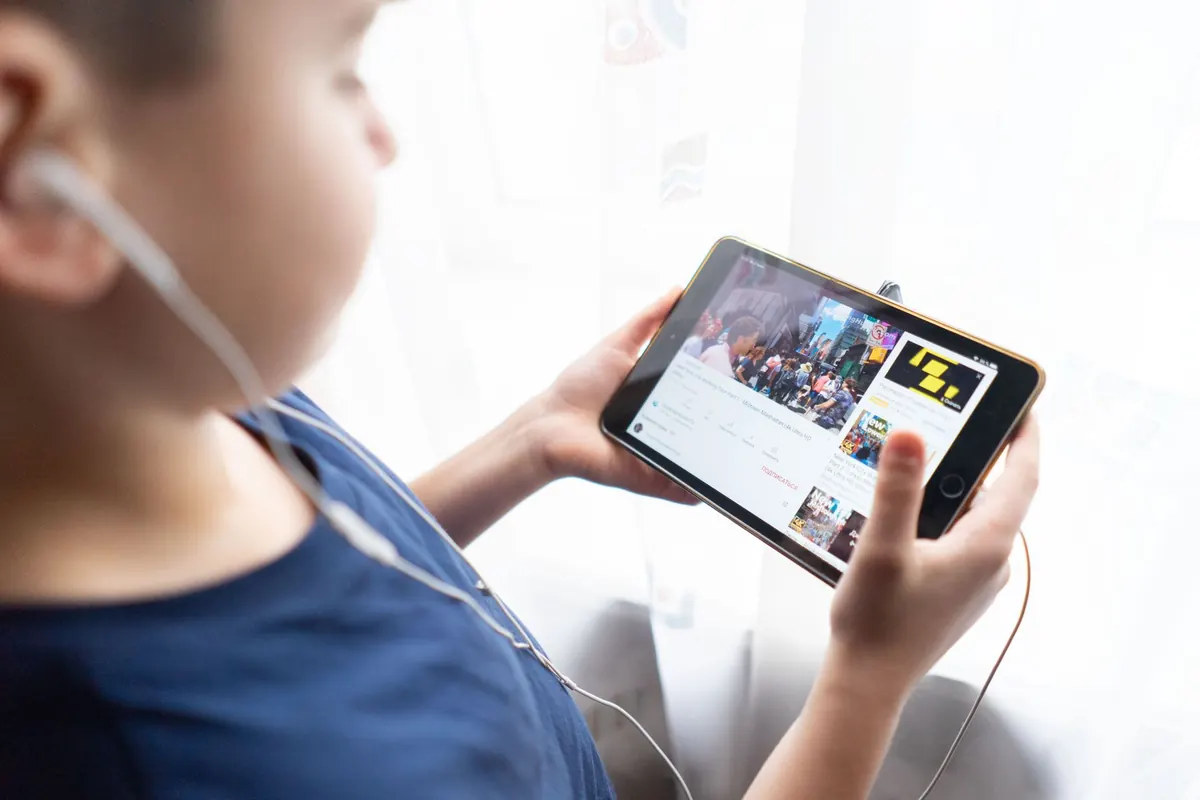
A good video tutorial can make a difficult subject feel obvious. You follow the reasoning, nod at the right moments, and by the end you're convinced you could do it yourself. Then you close the tab, open a blank file, and stall on the first step.
That gap doesn't mean you're a slow learner. It means you were watching instead of working. Video is one of the best formats for showing process: you can see the cursor move, hear the reasoning out loud, and rewind the part that didn't land. It's also the easiest format to consume passively, because the video keeps going whether or not you do.
Here's how to fix that without turning a twenty-minute tutorial into a three-hour chore.
Why Watching Feels Like Learning
When someone explains a process clearly, the explanation runs smoothly in your head. That smoothness is easy to mistake for mastery. You recognize the code, the tool, the argument — and recognition quietly stands in for the ability to produce any of it yourself.
There's a quick test. When a video ends, close it and try to do the first step from memory, out loud or on paper. If you can name the first two or three actions, you were paying attention. If all you remember is that the instructor clicked something in a side panel, you watched a video. Both outcomes are fine. Only one of them compounds.
The fix isn't complicated: shift the ratio of watching to doing. That's what the rest of this guide is about.
Set Up Before You Press Play
Three minutes of preparation saves the whole session. Before the video starts:
- Write down what you want to be able to do by the end. "Build a form that rejects invalid email addresses" is a goal. "Get better at web development" is a mood.
- Skim the chapters or timeline. Knowing that minutes four through nine are setup means you won't take careful notes on them as if they were new knowledge.
- Open your own file, project, or document beside the video. Watching someone build a to-do app while you have nothing open turns a lesson into a documentary.
- Decide on playback speed deliberately. Faster speeds are fine when you're reviewing something you already know. For first contact with new material, normal speed is usually cheaper than rewatching.
Pause Like You Mean It
Most people pause when they're confused. By then it's late — you've already missed the reasoning and you're playing catch-up. Pause earlier, at points you can predict.
Three moments worth pausing for
- Before the instructor does something you couldn't predict. The moment they say "now we need to…", hit pause and guess what comes next. The gap between your guess and their action is the actual lesson.
- After an explanation, before the demo. Say it back in your own words. If you can't compress it into one sentence, rewind.
- At the end of a chunk. Do the thing yourself before pressing play again. Not after the video finishes — now, while the shape of it is still fresh.
Chunks of five to eight minutes work well for most technical material. Long enough to build momentum, short enough that you still remember the beginning when you reach the end.
Take Notes You'd Actually Use Later
A transcript is not a note. Copying the instructor's code line by line feels productive and teaches very little, because the thinking has already been done for you. Capture these five things instead:
- The goal of the step — one line, in your own words: "Connect the form to the database."
- The exact thing you'd forget — a command, a shortcut, a formula, a setting name, or a single line of syntax. Not the whole file.
- The condition — when this approach applies and when it doesn't. "Use a list here because the order matters."
- Errors and open questions — keep a running section for anything that broke or that you didn't follow. Answer them later with the documentation.
- Timestamps — a bare "12:40" next to a tricky part means you can return to it without scrubbing through the entire video.
Write notes somewhere you'll reopen. If you never look at them again, they were a ritual, not a tool.
Practice Along, and Break Things on Purpose
The instructor's example works. Yours will not. That's the point.
Work in your own file as you go, and finish every chunk by doing the task with the video paused. When it works, change something: rename a column, feed it messy input, delete a line and read the error message that appears. Errors are where understanding actually forms, and tutorials rarely show them.
A workable rhythm is roughly one minute of your own typing for every minute of video. That sounds slow. It is slower than autoplay and much faster than watching the same tutorial three times next month.
Build a Loop So It Sticks
One pass through a video is an introduction, not a skill. Add two short reviews and the material moves into memory:
- Same day: redo the task with your notes closed.
- Next day: redo it again, opening your notes only when you're stuck.
- A week later: do it in a new context — a different file, a different dataset, a different project.
Each pass takes less time than the last and depends less on the video. One more habit helps: don't collect tutorials. Three unfinished courses on the same topic is a common trap, and finishing one beats sampling all three.
A Routine You Can Start This Week
- Pick one tutorial, thirty to sixty minutes long, that connects to something you already want to build.
- Watch in five-to-eight-minute chunks. After each chunk: pause, write two or three notes, then do the step yourself.
- When something breaks, write the error and your fix in your notes. Don't skip past it.
- At the end of the session, write one short paragraph: what you built, and where you got stuck.
- Next session, start from memory before you press play on the next video.
- Once a week, rebuild something from an earlier video without watching it at all.
Two weeks of that beats twenty hours of autoplay. Keep a small notes file open, put your hands on the keyboard between chapters, and let the practice — not the video — decide when you've learned something. If a tutorial turns out to be a poor fit, close it and find another. That's not quitting; it's choosing where your attention goes.
Photo: Atlantic Ambience / Pexels